We already learned that digital computers only understand zeroes and ones. Starting from 0 and 1, how can we save and display text? For example, how can we save the text “TryHackMe” in a file? What will such a file contain?
To be able to answer this, we need to agree on what bits represent T, what bits represent r, what bits represent y, and so on. Let’s say that we all agree to represent T with the following stream of bits: 01010100. Then all computer systems should store T the same way, and later, when a computer encounters 01010100, it will recognize it as T. Of course, we need to do this for all letters in the alphabet, digits, and special characters. This approach requires a standard that computer manufacturers, designers, and programmers agree to adhere to. One of the earliest standards for English letters was ASCII.
ASCII stands for American Standard Code for Information Interchange, and it is an early character encoding from 1963 that uses numbers 0-127 to represent English letters, digits, punctuation, and some control characters. Remember that A stands for American, as this will come in handy later. As you might have noticed, the original ASCII was limited to seven bits. ASCII acts as a small bilingual dictionary between text and numeric codes. Consider the following samples from the original ASCII table. Since the table has 128 entries, we only made a brief selection to give you an idea of how things are represented in ASCII.
There are several things that you can observe. First, letters are in order. If you know the hexadecimal or decimal number for b, you can figure out the decimal number of a, c, and later lower-case letters. For example, a, b, and c are assigned the hexadecimal numbers 61, 62, and 63, respectively. Same for upper-case letters A to Z and digits 0 to 9. When using ASCII encoding, a computer system reads 41 in a file and displays A on the screen; when it reads 42, it displays B, and so on.
Secondly, each character has its own ASCII, for example, [ is represented by the hexadecimal number 5B.
“TryHackMe” in ASCII
Let’s say you open a text file, write “TryHackMe” and save it as file.txt. How will the file look on the bit level? Let’s find out.
If you are interested in seeing the storage on the disk, bit by bit, and assuming that it is using ASCII, you will see something similar to the following:
01010100 01110010 01111001 01001000 01100001 01100011 01101011 01001101 01100101 00001010
Obviously, this is not readable by any human being. These are the exact binary representations of all the letters in “TryHackMe” followed by a new line. When you open this file, your editor will read these bits and display the following characters: T r y H a c k M e \n; the \n is a new line that you get when you hit the Enter key.
Because reading binary numbers is cumbersome and error-prone for us, we prefer to use hexadecimal digits. As you remember from the previous room, we group 4 bits into a single hexadecimal digit. Our file looks like this in hexadecimal: 54 72 79 48 61 63 6b 4d 65 0a
And if you want to look up the decimal representation, it would be as follows: 124 162 171 110 141 143 153 115 145 012; however, it is uncommon to use decimal digits. It is more common to use hexadecimal digits when we want to show the bits.
You can use the attached static site yourself to experiment more.
European Languages
ASCII provided a way to encode the English alphabet; however, we need an encoding to support other European languages such as Spanish (ñ, ¿), German (ß, ü), Polish (ł, ń), Czech (č, ř), and Romanian (ș, ț), to name a few. ASCII uses 7 bits, and with an eighth bit, we get 128 more characters to cover. However, the reality is more challenging; the additional 128 characters are not enough to cover all the letters of the European languages. The ISO/IEC 8859 Series (International Standards) created several standards; each standard covered a set of languages:
- ISO-8859-1 (Latin-1): Covered Western European languages like German (ß, ü), French (é, ç), Spanish (ñ, ¿), Italian, Portuguese, Catalan, and Nordic languages (e.g., Icelandic ð/Ð). Check this link.
- ISO-8859-2 (Latin-2): Supported Central/Eastern European languages like Polish (ł, ń), Czech (č, ř), Hungarian (ő, ű), Croatian (đ), Romanian (ș, ț), and Slovak. Check this link.
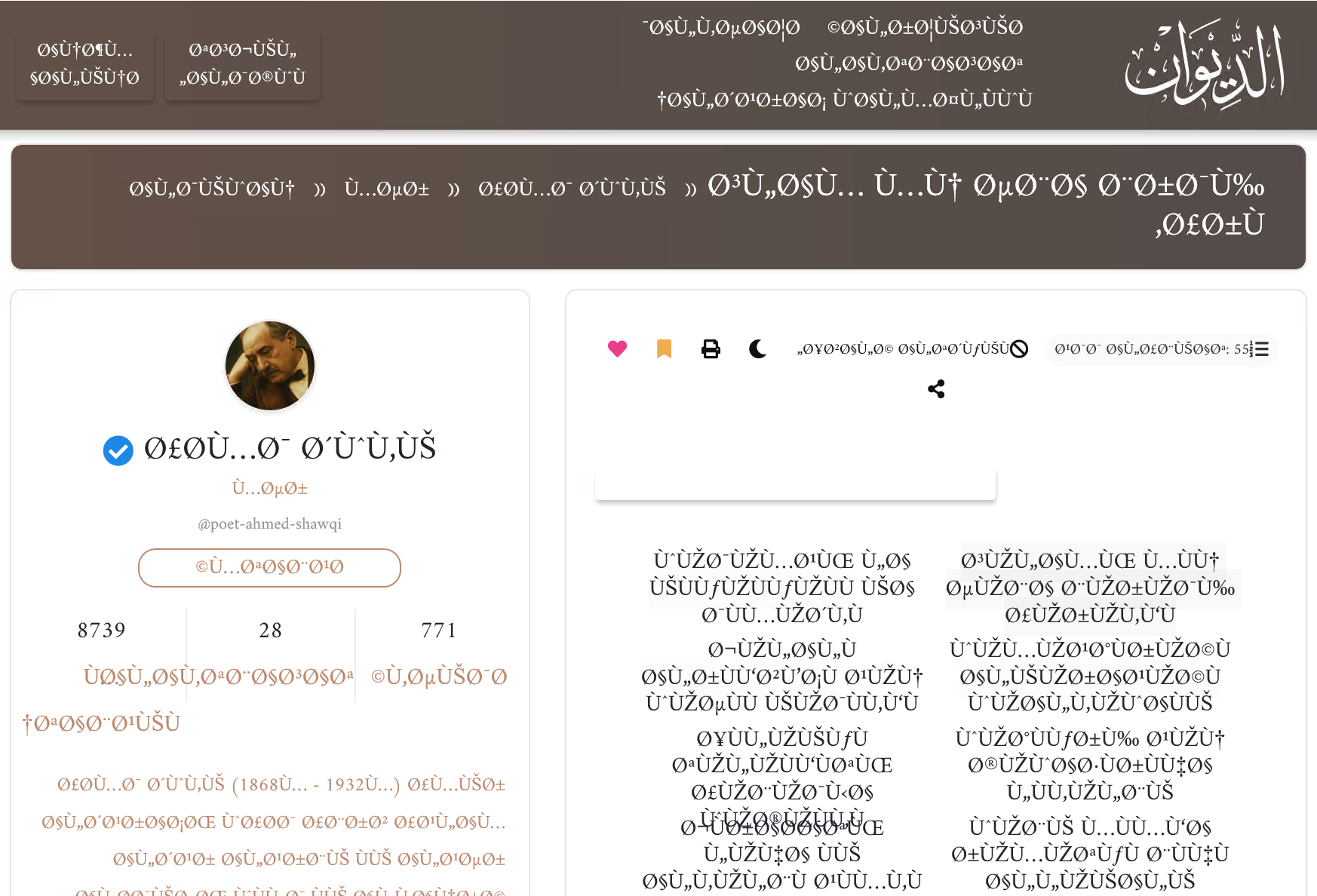
In other words, if your document is saved using ISO-8859-1 and later read and displayed as if it were saved using ISO-8859-2, non-English letters are likely to be displayed differently.
Click on the View Site button below and use it to answer the following questions.