Room Icon

Conti

An Exchange server was compromised with ransomware. Use Splunk to investigate how the attackers compromised the server.

medium

45 min

14,964

User profile photo.
User profile photo.

To access material, start machines and answer questions login.

Score updated
Score updated

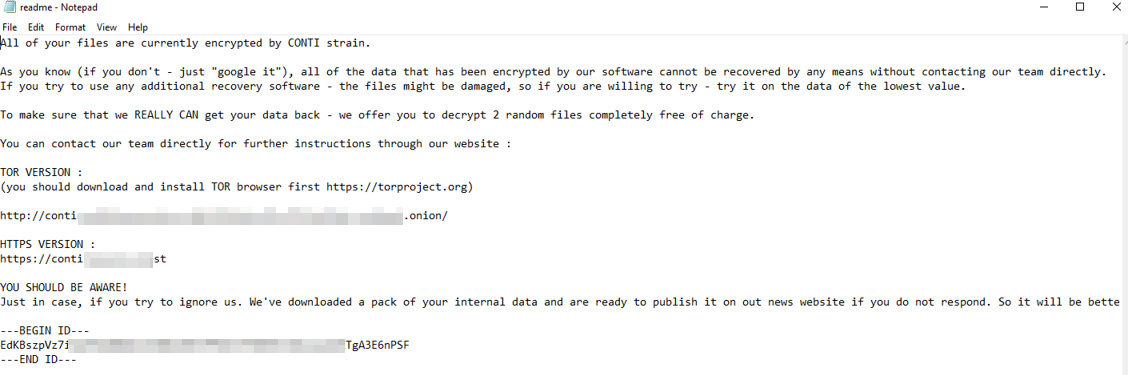
Some employees from your company reported that they can’t log into Outlook. The Exchange system admin also reported that he can’t log in to the Exchange Admin Center. After initial triage, they discovered some weird readme files settled on the Exchange server. Below is a copy of the ransomware note.

Warning: Do NOT attempt to visit and/or interact with any URLs displayed in the ransom note.
Read the latest on the Conti ransomware here (opens in new tab)


Connect to OpenVPN or use the AttackBox to access the attached instance. 

  • Splunk URL: http://MACHINE_IP:8000

Set up your virtual environment

To successfully complete this room, you'll need to set up your virtual environment. This involves starting both your AttackBox (if you're not using your VPN) and Lab Machines, ensuring you're equipped with the necessary tools and access to tackle the challenges ahead.
Attacker machine
Status:Off
Lab machine
Status:Off

Special thanks to Bohan Zhang (opens in new tab) for this challenge.

Answer the questions below
Start the attached lab machine.
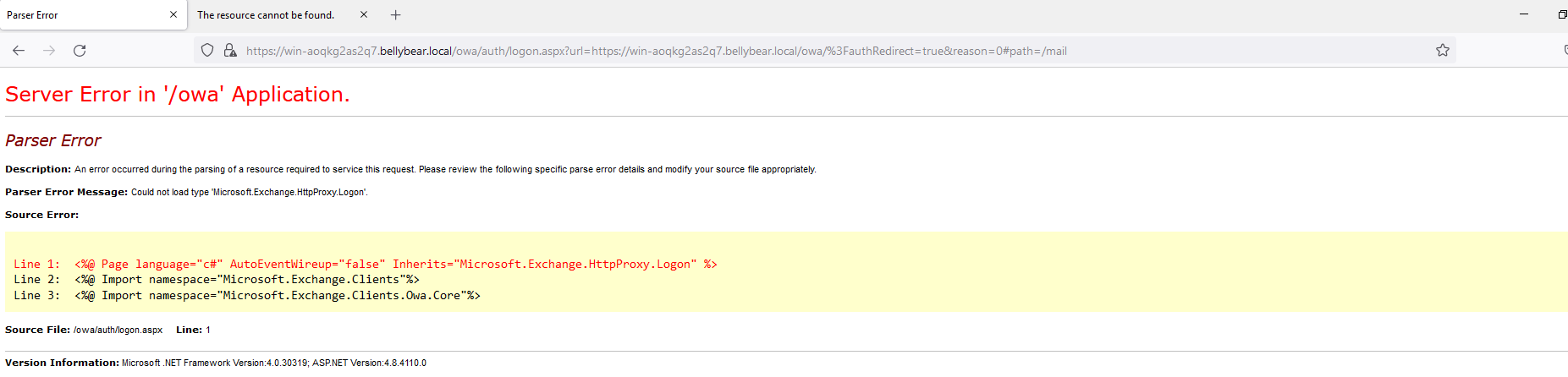
Below are the error messages that the Exchange admin and employees see when they try to access anything related to Exchange or Outlook. You are assigned to investigate this situation. Use to answer the questions below regarding the Conti ransomware. Good luck!

Exchange Control Panel

Outlook Web Access

Answer the questions below
Can you identify the location of the ransomware?

What is the Sysmon event ID for the related file creation event?

Can you find the MD5 hash of the ransomware?

What file was saved to multiple folder locations?

What was the command the attacker used to add a new user to the compromised system?

The attacker migrated the process for better persistence. What is the migration target (full image path)?

The attacker also injected into a system process to retrieve the hashes.
What is the target process image used for getting the system hashes?

What is the web shell the exploit deployed to the system?

What is the command line that executed this web shell?

What three CVEs did this exploit leverage? Provide the answer in ascending order.